
GM, COT❣️ Yuzunoko here.
When you zoom in on a cosplay photo and notice only the sleeves are streaked with motion, which setting do you review first?
If you want to freeze moving garments, the setting to check is shutter speed. However, if the whole image is blurred by camera shake, or if the background is in focus instead, the cause is not necessarily the same.
Drawing on Nikon's official lessons, let's look at the differences between blur and focus. This article primarily focuses on shooting where you can adjust shutter speed on your camera.
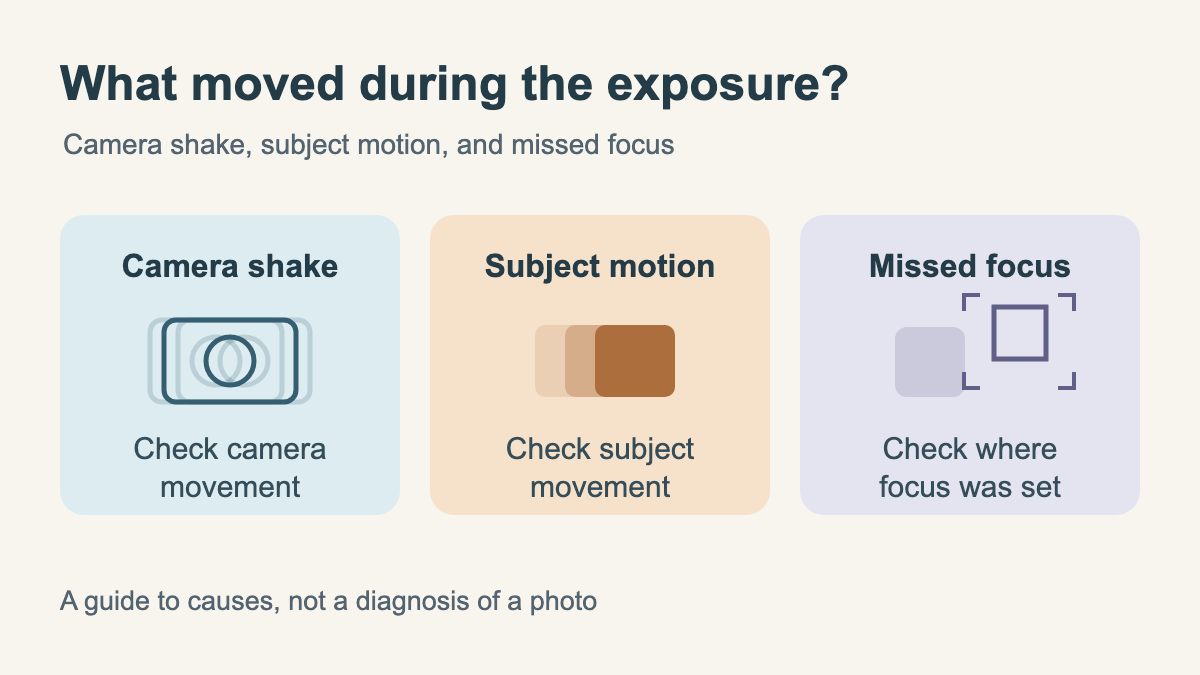
How Do Camera Shake, Subject Motion Blur, and Missed Focus Differ?
In Nikon's camera basics guide, camera movement while gathering light is explained as "camera shake," whereas movement of the subject being captured is described as "subject motion blur."
In the example on that same page, camera shake blurs the entire image, whereas subject motion blur blurs only a flower swaying in the wind. Applied to cosplay photography, situations where the background remains sharp while moving sleeves or a wig appear streaked serve as a clue for identifying subject motion blur.
On the other hand, if the background behind the subject is in focus instead of the face, what needs checking is the focus point. Nikon also points out that camera shake and subject motion blur are distinct from an out-of-focus state.
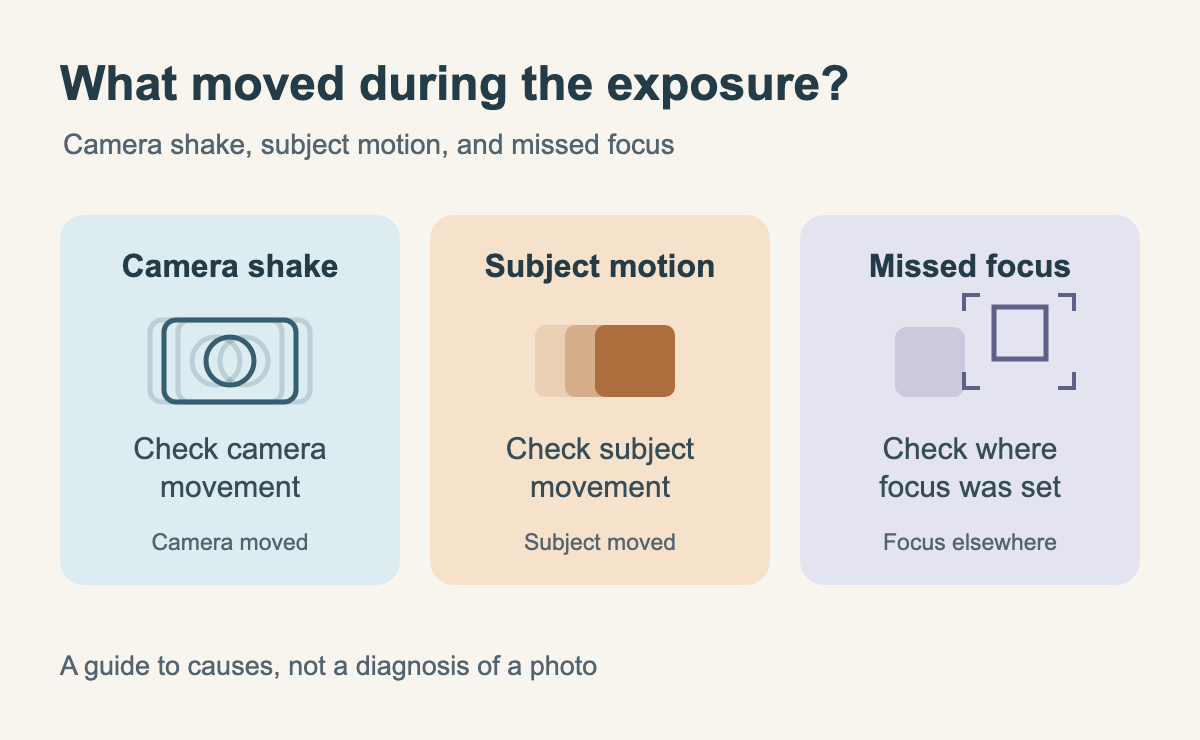
This distinction is intended to help you analyze potential causes. It does not mean diagnosing an actual photo sight unseen with "if a sleeve is blurred, it's definitely this."
(Lumping everything together as "soft focus" might lead you to fix the wrong thing.)
Making It Faster Means Shortening the Time Light Is Gathered
Shutter speed is the length of time light is allowed into the camera to capture a photograph. In Nikon's lessons, it is explained as the duration the shutter remains open.
At 1/500 second, the time light is gathered is shorter than at 1/60 second. "Making it faster" does not mean pressing the shutter button quickly.
A shorter exposure records less movement during that interval, making it easier to freeze moving subjects. Conversely, lengthening that time allows you to intentionally render motion as a blur.
According to Nikon's basics guide, some cameras display 1/125 second as "125" and 1/250 second as "250." Check the display on your own camera so that you do not read the number on the screen as 125 seconds.
Avoid Assuming 1/250 Second Is the Rule for People
Nikon's "Lesson 21" features an example where a walking person was photographed at 1/250 second. This is simply the value used for that specific scene in the reference material.
The same lesson explains that the appropriate shutter speed varies depending on the speed of the subject's movement, the distance to the photographer, and the lens focal length. You cannot treat a single setting as the universal answer for both a stationary pose and the motion of swinging sleeves.
When you want to freeze motion in cosplay photography, this article suggests first zooming in on the captured photo to see exactly where the blur occurs. From there, adjust the shutter speed and compare how the same motion looks under different settings.
If camera shake occurred because the camera itself moved, review your posture and camera stabilization methods alongside your shutter speed. Nikon's lesson also suggests both increasing shutter speed and stabilizing the camera with a tripod or similar support. When using a tripod, make sure to check beforehand whether the venue permits them.
Does Making It Faster Make It Darker? Consider Exposure Conditions Together
Nikon's "Lesson 21" explains that if aperture and ISO sensitivity remain unchanged, increasing shutter speed reduces the amount of light gathered, making the photo darker.
This condition—"if other conditions remain the same"—is crucial. If your camera is set to adjust aperture or ISO automatically, changing shutter speed will not necessarily make the image darker in that exact same way.
Nikon's lesson introduces "S (Shutter-Priority Auto)," a mode where the photographer selects the shutter speed and the camera determines the aperture accordingly. However, the lesson also cautions that depending on shooting conditions, the image may end up too bright or too dark, meaning you cannot always pick any speed freely.
Check your camera's manual for operating instructions and mode displays. Shutter speed is a setting best considered by balancing two goals: "I want to make it faster to freeze motion" and "I want to preserve adequate brightness."
(It would be so convenient if simply dialing up the number solved everything!)
Do you want to freeze sharp, dynamic motion, or keep the flow of swaying fabric? Decide how you want the movement to appear first, and then compare speed and brightness together❣️
About this article
Translated from the Japanese original. This article was compiled based on Nikon's official photography tutorials and camera basics guides. Results will vary depending on camera settings and shooting conditions. The diagram provided is a schematic meant to organize potential causes and does not guarantee that blur will disappear at any specific shutter speed.
See you next time on COT❣️
Sources: Lesson 21: Understanding Shutter Speed (Nikon) (Japanese), Digital SLR Camera Basics: Exposure and Shutter Speed (Nikon) (Japanese)